
SERVICED OFFICES
Find Serviced Offices That Fit Your Business
Compare furnished, ready-to-use private offices by location, team size, budget, amenities and how your team works. Search with filters or describe the full requirements in your own words.
THE PRODUCT
What is a Serviced Office?
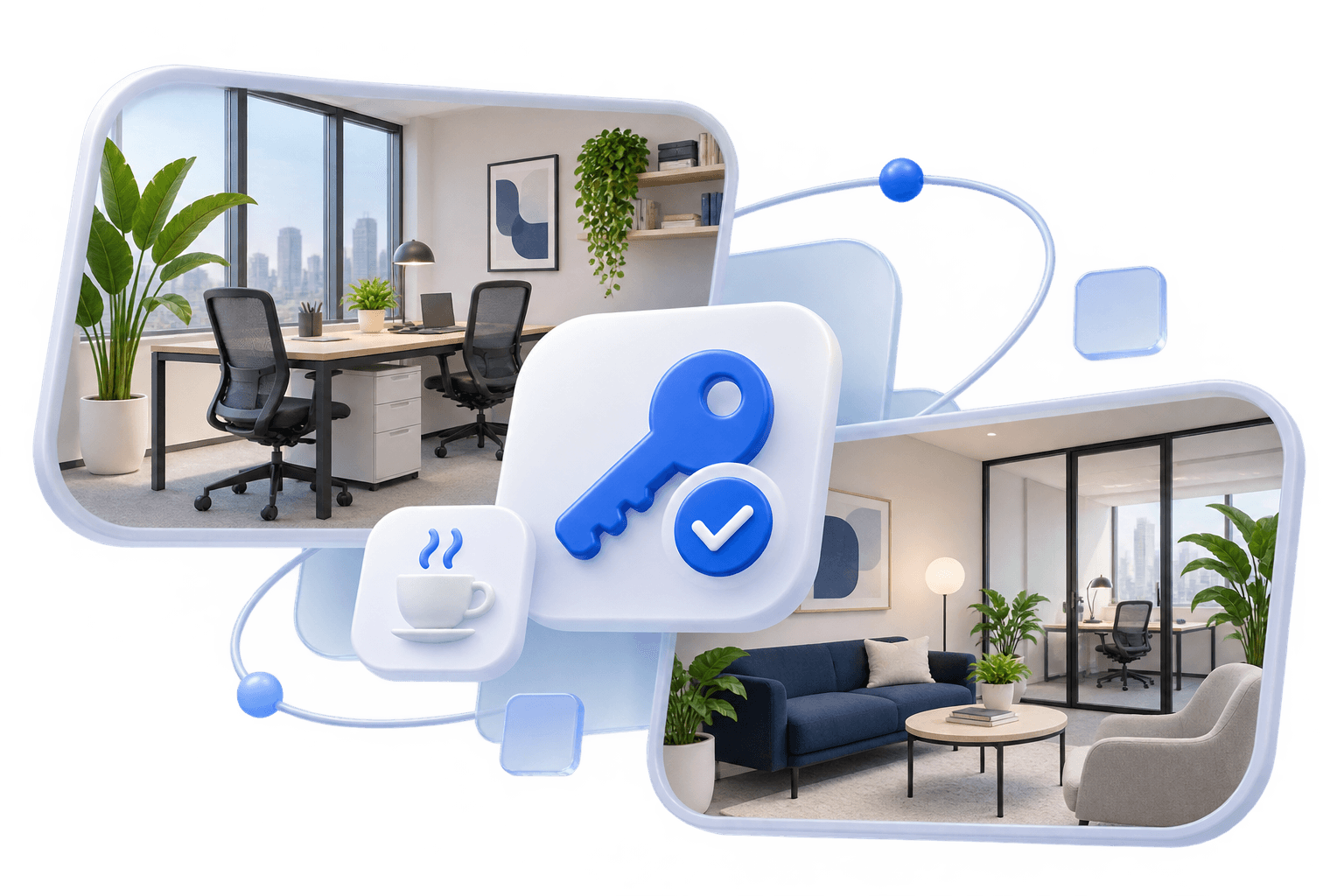
A Serviced Office is a furnished private workspace within an operated business centre or flexible-workspace building. The provider manages the day-to-day environment and shared facilities, while the occupier uses a private office under agreed commercial terms.
- Typical packages can include furniture, utilities, cleaning, reception, common areas and standard connectivity, but inclusions vary by provider and building.
- Meeting Rooms, parking, printing, internet upgrades, extra access cards and other services may be included, limited or charged separately.
- The product can suit start-ups, scale-ups and established SMEs that want private space without organising a full conventional fit-out.
- Corporate, enterprise, regional, project and swing-space teams can also use Serviced Offices where suitable inventory exists.
- Hybrid and larger teams can use Serviced Offices when the available suite fits peak attendance, privacy, collaboration and future-change needs.

WHY SERVICED
Why businesses consider Serviced Offices
Six practical reasons the product can fit a private-office requirement.
Ready to use
Move into a furnished private workspace without arranging a full fit-out from scratch.
Flexible commitment
Terms can be more adaptable than a conventional lease, subject to provider agreement.
Lower setup burden
The provider handles common areas and many day-to-day property operations.
Professional facilities
Meeting Rooms, reception, kitchens and breakout areas may be available in the centre.
Room to respond
Search for different capacity, another building or another location as needs change.
Location choice
Compare Serviced Offices across business districts, regional centres and transport-connected areas.
SEARCH BRIEF
Build the brief around how the office will be used
Desk count alone is not enough. Capture peak attendance, work settings, commercial limits and the details that could change the space you need.
Plan for real attendance and change
- State total headcount, realistic peak attendance and whether particular roles need dedicated desks.
- Include expected growth or contraction rather than assuming today’s team size will remain fixed.
- Set the target move-in date, any hard deadline and how quickly the team needs to become operational.
- Describe the preferred commitment and how much flexibility the business may need during the term.

Choose areas around the people using them
- Define essential and acceptable areas around employee commute, clients, talent and practical transport connections.
- Include rail, metro or Underground, tram, bus, road, cycling and parking where they materially affect regular attendance.
- Keep realistic alternative areas open where they provide a better balance of access, cost and workspace quality.
- For larger or highly specified requirements, allow enough time to compare supply across more than one viable location.

Match the layout to everyday work
- Include regular client meetings, internal collaboration, private calls and larger team sessions.
- Specify Meeting Room capacity, phone booths, quiet rooms or other settings required during normal and peak use.
- State privacy, branding, visitor-process or specialist room requirements instead of assuming a private office automatically satisfies them.
- Use the actual working pattern to judge whether shared lounges, kitchens and breakout areas will still work at busy times.

Set the commercial boundaries clearly
- Provide the maximum monthly budget and use a per-person comparison where it genuinely helps the search.
- Distinguish the core workspace fee from expected variable costs and services that may be charged separately.
- Include preferred term, notice expectations and any important renewal or exit considerations.
- Do not rely on headline price alone; the provider confirms the final proposal, inclusions and commercial terms.

Capture the operational requirements
- Specify standard internet, dedicated connectivity, resilience, meeting-room technology, or other IT needs where relevant.
- Include access hours, visitor arrangements, showers, bicycle storage, parking, lounges, gyms or outdoor space that the team will use.
- State specific accessibility requirements for employees or visitors rather than relying on a generic accessibility label.
- Add useful requirements that do not map to a structured filter so they remain available for provider confirmation.

Search Serviced Offices your way
Traditional Search and AI Search lead into the same workspace-discovery journey. Traditional Search works well when you already know the location and filters you want to control directly. AI Search is useful when several requirements are easier to describe together in ordinary language.
Traditional Search:
- Choose the location and adjust visible filters directly.
- Change one criterion at a time as you browse.
AI Search:
- Describe location, people, budget, amenities and additional context in one brief.
- Review the interpreted criteria, then refine the same search filters manually.
Example AI Search:
“We need a Serviced Office for around 24 people near Liverpool Street or Bank. Peak attendance is about 20; we need two meeting rooms, showers, bicycle storage and 24-hour access, and our budget is around £650 per person per month.”
Additional requirements: If a useful requirement does not exist as a structured filter, include it anyway. Keep the additional context with the enquiry so the relevant workspace provider can confirm what the specific centre can support.
LOCATION CHOICE
Choose the location around the people who will use it
The most recognisable postcode is not automatically the strongest business location. Compare areas around regular journeys, visitors, recruitment and the practical facilities the team uses.
- Compare employee journey times and the transport connections people actually use.
- Consider access for clients, candidates, suppliers and other visitors alongside the daily employee commute.
- Include parking, cycle routes, bicycle storage and nearby food, coffee, gyms or hotels where they matter.
- Check that each area has suitable offices at the required team size and specification.
- Keep nearby districts open where they offer a better balance of cost, access and workspace quality.

COMPARE OPTIONS
Compare the actual office before you commit
A strong building or product label is not enough. Compare the specific suite, shared facilities, full commercial package and the level of tailoring the requirement really needs.
Test the exact suite, not just the building
- Check practical capacity and whether the desk layout works at realistic peak attendance.
- Compare natural light, internal position, noise, acoustic privacy and the way the office feels in use.
- Review whether the available office is the actual suite being proposed rather than assuming all spaces in the centre are equivalent.
- Use the Office Viewing Checklist to test the workspace consistently.
Use the Office Viewing Checklist to assess each workspace consistently and make it easier to compare the practical details between options.

Check shared rooms and connectivity in practice
- Review Meeting Room availability, booking rules, credits or charges and likely peak-time demand.
- Check phone booths, quiet rooms and other spaces for private or confidential calls.
- Confirm standard internet, mobile reception and any dedicated or upgraded connectivity requirements.
- Assess shared lounges, kitchens and breakout areas at the times the team is likely to use them.

Verify the details your team will actually use
- Check opening hours, reception, visitor procedures and building-access arrangements for the specific centre.
- Verify accessibility across the full route from entrance to office, Meeting Rooms and WCs for the people who need it.
- Confirm showers, bicycle storage, parking and other priority amenities rather than assuming an advertised facility applies to every workspace.
- Treat security, accessibility and specialist-use labels as points to verify, not blanket guarantees.

Understand the complete commercial package
- Confirm whether the core quote is for the whole office or per person, and whether VAT is included or additional.
- Check deposit, setup, administration, access cards, Meeting Room use, connectivity upgrades, parking, storage, printing and mail.
- Ask what charges can apply to events, catering, extra users, extended access or other services.
- Review commitment, notice, renewal, potential price review and any relevant exit conditions before deciding.
For more guidance on what to include when comparing workspace costs, read Office Space Costs.

Choose convenience or greater tailoring
- Serviced Offices usually use existing furnished private workspace within an operated centre and can be faster to occupy where suitable inventory exists.
- Managed Offices are generally configured around a more defined requirement and may involve sourcing, design, fit-out or mobilisation.
- Serviced customisation is usually limited to what the centre can support; Managed can allow greater influence over layout, branding and operational specification.
- Do not use a fixed team-size threshold. Compare the required control, dedicated facilities, timing, term and available inventory.
If you are weighing up the two private office models, compare Serviced and Managed Offices for a more detailed breakdown of how they differ.

NEXT STEPS
Move from search to a focused Serviced Office decision
Keep one consistent requirement as you compare options, build a Shortlist, request visits or quotes and use a Tailored Report when you want a prepared Serviced Office selection.
- Search by location and filters, or describe the full requirement using AI Search.
- Compare individual business centres and the exact office options that appear relevant.
- Save eligible Serviced Office business centres to the Shortlist and remove weaker options as the brief becomes clearer.
- Select several eligible centres for Book a Visit or Request a Quote without repeating the same core requirement; different providers may follow up separately.
- A Tailored Report can generate a private Serviced Office selection in seconds from one or several locations, team size, budget, start date, amenities and additional requirements.
- The report can be shared, filtered without changing the curated selection, used to build a Viewing List and used to progress visits; its expiry date does not reserve or guarantee an office.
To learn more about what the report includes and how it can support your search, see How Tailored Reports Work.

Frequently asked questions
Practical answers to common questions about searching, comparing and progressing Serviced Offices.
RELATED GUIDANCE
Related OfficesList resources
Use the relevant guide or planning resource when you need deeper product education, cost and sizing guidance, viewing support or more detail about the OfficesList search journey.
- Serviced Offices GuideDetailed educational guidance on Serviced Offices, typical inclusions and practical evaluation.
- Serviced vs Managed OfficesA deeper comparison of ready-to-use Serviced Offices and more tailored Managed Offices.
- Office Space CostsUnderstand the wider occupancy-cost basis beyond the headline monthly price.
- How Much Office Space Do I Need?Plan capacity around attendance, work settings and expected change.
- Office Viewing ChecklistUse a consistent framework when inspecting an actual office and shared facilities.
- How OfficesList WorksSee how search, comparison, Shortlist, enquiries and provider confirmation fit together.
- AI SearchLearn how natural-language search can capture a multi-part office requirement.
- ShortlistUnderstand how eligible Serviced Office business centres can be saved and progressed.
- Tailored ReportsLearn how private Serviced Office selections and Viewing Lists work.