
TEAMS & DECISION-MAKERS
Workspace Solutions for Workplace Decision-Makers
Workspace decisions often involve several people. Bring leadership, operational, property and people priorities into one clearer brief, compare suitable options and carry the requirements that matter through to the relevant workspace provider.
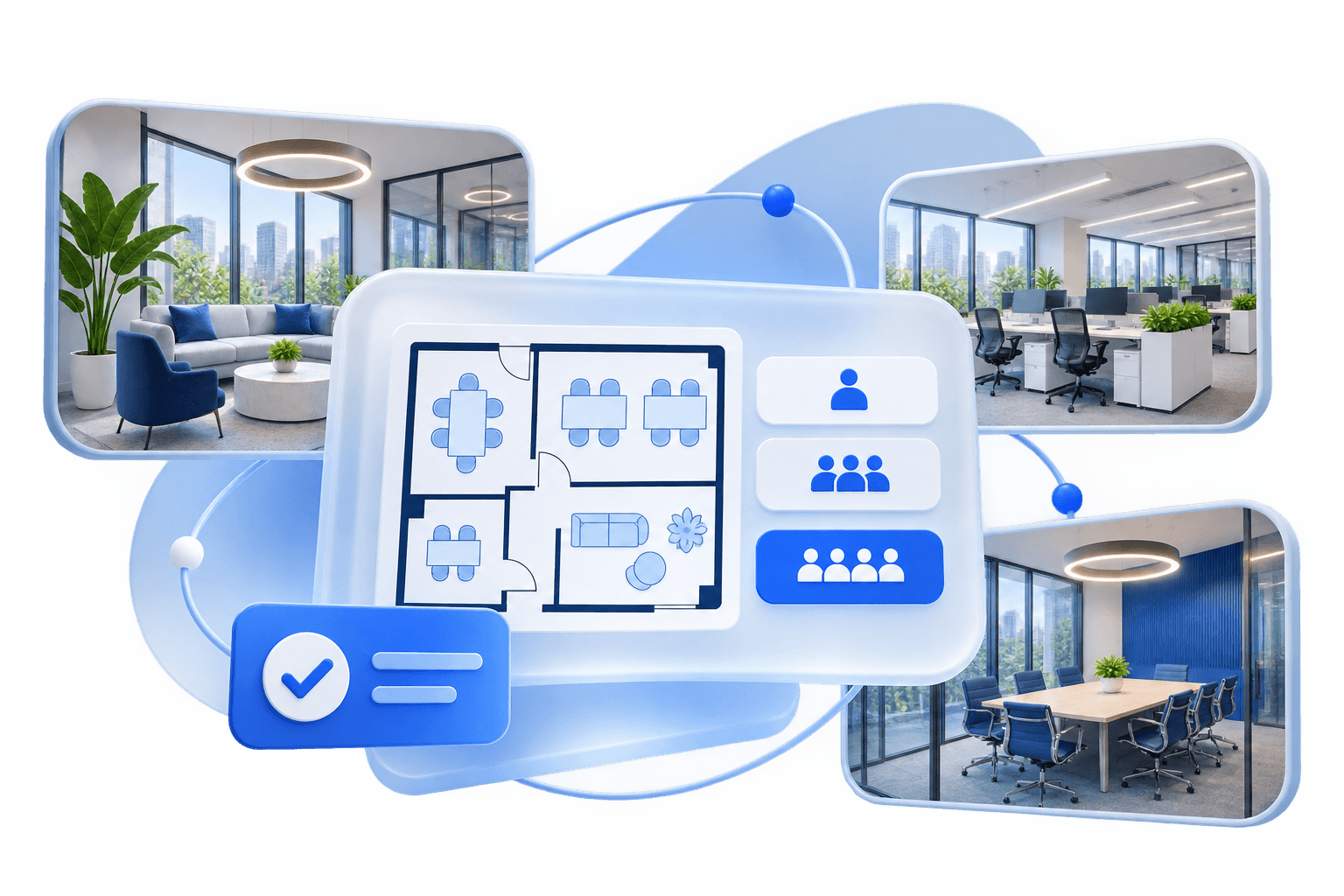
SHARED BRIEF
Build one workspace brief everyone can work from
Give every stakeholder the same commercial, operational and people context before workspace options are compared.
Outcome & timing
Define why the business is searching, the occupation date, the decision deadline and events that could change the requirement.
People & attendance
Record total team size, realistic peak attendance and expected growth or contraction separately.
Location & travel
Set acceptable areas around employee journeys, clients, public transport, parking and cycling needs.
Space & activities
Capture private space, meeting rooms, focus areas, collaboration, reception and other activity-specific settings.
Access & operations
State working hours, visitor and accessibility needs, connectivity, access control, storage and provider-confirmed operational requirements.
Budget & terms
Set a realistic budget and consider occupancy cost, target term, notice, deposits, meeting-room costs and relevant extras.
DECISION-MAKER ROLES
One workplace decision, different responsibilities
The person who starts a search varies by organisation, and several stakeholders may contribute before a decision is made. Use one shared requirement rather than separate versions of the truth.
Turn the business outcome into a focused search
- Start with the outcome, location range, team size and peak attendance, target date, budget and client-facing expectations.
- Keep non-negotiables clear without choosing the workspace product too early; the product should follow from the requirements.
- Coordinate decision-makers, viewings and timing so the strongest options can be reviewed quickly and consistently.
- Example search: “We need a private office for a 24-person team near London Bridge or Waterloo from November. Around 18 people are normally in at once. We need two meeting rooms, 24-hour access, good client-facing space and room to add a few desks next year.”
- Place the example beside the existing Traditional / AI Search component rather than adding another large AI Search promotion.

Test the workspace at practical building level
- Plan around peak attendance, activities and future change rather than employee headcount alone.
- Assess capacity, access, deliveries, reception, lifts, parking, cycle facilities, showers and building rules that affect daily use.
- Check privacy, meeting rooms, phone rooms, collaboration, quiet space and any acoustic or controlled-access requirements.
- Capture connectivity, network, power and equipment requirements that must be confirmed for the individual workspace.
- State specific accessibility requirements and verify routes, lifts, WCs, parking or other adjustments at building level.
- Understand what the operator provides, what the occupier retains responsibility for and how easily the business can expand, contract or reconfigure.

Make the workspace requirement workable in practice
- Capture occupation and decision dates, project duration and dependencies that could affect a move or launch.
- Define who needs access, when, and whether visitors, contractors, deliveries or out-of-hours working change the requirement.
- Record meeting rooms, storage, parking, cycle facilities, showers, breakout areas, kitchens and other day-to-day operational needs.
- Keep additional requirements with the enquiry so the provider can confirm what the centre and service can support.
- For eligible Serviced Office centres, progress several selected options for visits or quotes without re-entering the same contact information each time.
- Where several Serviced Office visits are requested, a preferred viewing order can be suggested; the customer remains in control of the final sequence.

Bring people needs into the same workplace brief
- Describe attendance patterns and busiest regular days so flexible or hybrid working informs the brief rather than being inferred from headcount.
- Consider commute, public transport, walking, cycling, parking and whether alternative locations improve practical access.
- State specific accessibility needs and verify them at building level rather than relying on a generic amenity label.
- Assess whether people have the settings needed for collaboration, focus, calls, social interaction and breaks instead of treating experience as an amenities checklist.
- Include wellbeing facilities such as showers, cycle storage, outdoor space, gyms or quiet areas only when they genuinely matter to the team.
- Keep legal and reasonable-adjustment decisions within the employer’s own people, legal and workplace processes; OfficesList can carry the stated workspace requirement to the provider.

WORKSPACE PRODUCTS
Use the workspace product that fits the requirement
A stakeholder role does not determine the workspace product. The same leadership, workplace, Operations or HR team may evaluate several products depending on the business need.
Serviced Offices
Private, furnished workspace that is generally ready to use, with day-to-day services and shared facilities provided by the operator.
Managed Offices
A more dedicated environment delivered around a tailored brief, potentially including layout, furniture, connectivity, facilities and operation.
Coworking Spaces
Flexible shared workspace for individuals, hybrid employees and distributed teams that do not need permanent private space every day.
Meeting Rooms
Professional space for leadership meetings, interviews, training, workshops, client appointments, presentations and collaboration.
Virtual Offices
A professional business presence where permanent physical workspace is not required; address use and service restrictions must be confirmed.

ALIGN & PROGRESS
Bring the decision together before progressing it
Keep one core requirement stable as several stakeholders compare options, and record the property-specific questions that still need provider confirmation.
- Eligible Serviced Office business centres can be saved to the Shortlist so suitable options are compared before quote or visit requests are sent.
- Where centres are operated by different providers, each provider may follow up separately about the workspace it operates.
- For standard Serviced Office requirements, a Tailored Report can generate a private selection around the locations and criteria provided.
- A Tailored Report can be shared with colleagues, filtered and used to book visits to several workspaces from the same page.
- Shortlists and Tailored Reports do not verify property-specific accessibility, IT, security, compliance or specialist suitability; the relevant provider must confirm those details.

RELATED SOLUTIONS
Move into the workplace journey that fits the need
Use the Teams hub to align stakeholders, then continue into the dedicated Solution when the requirement is mainly about organisational scale, multiple locations, attendance, relocation, rightsizing or expansion.
Corporate & Enterprise
For larger organisations, complex requirements and workplace strategies involve several stakeholder groups.
Multi-site Businesses
For separate workspace requirements across several towns, cities or regional teams.
Hybrid Working
For requirements where attendance patterns and the balance between office, remote and flexible workspace shape the brief.
Office Relocation
For businesses moving an existing team and comparing alternative locations or workspace models.
Scaling & Rightsizing
For businesses changing the amount or type of space as headcount, attendance or priorities move.
New Office & Expansion
For first offices, new regional bases and expansion into another market.
Frequently asked questions
Answers to common questions about who should contribute to a workspace decision and how OfficesList carries those requirements into the search journey.