
WORKSPACE SOLUTIONS
Flexible Workspace for Hybrid Teams
Plan a flexible workspace around how people actually use the office: peak attendance, commute, collaboration, privacy, budget and future change. Compare a core office, coworking and meeting space without treating hybrid working as a separate workspace product.
HYBRID MODEL
Hybrid working is a pattern, not a product
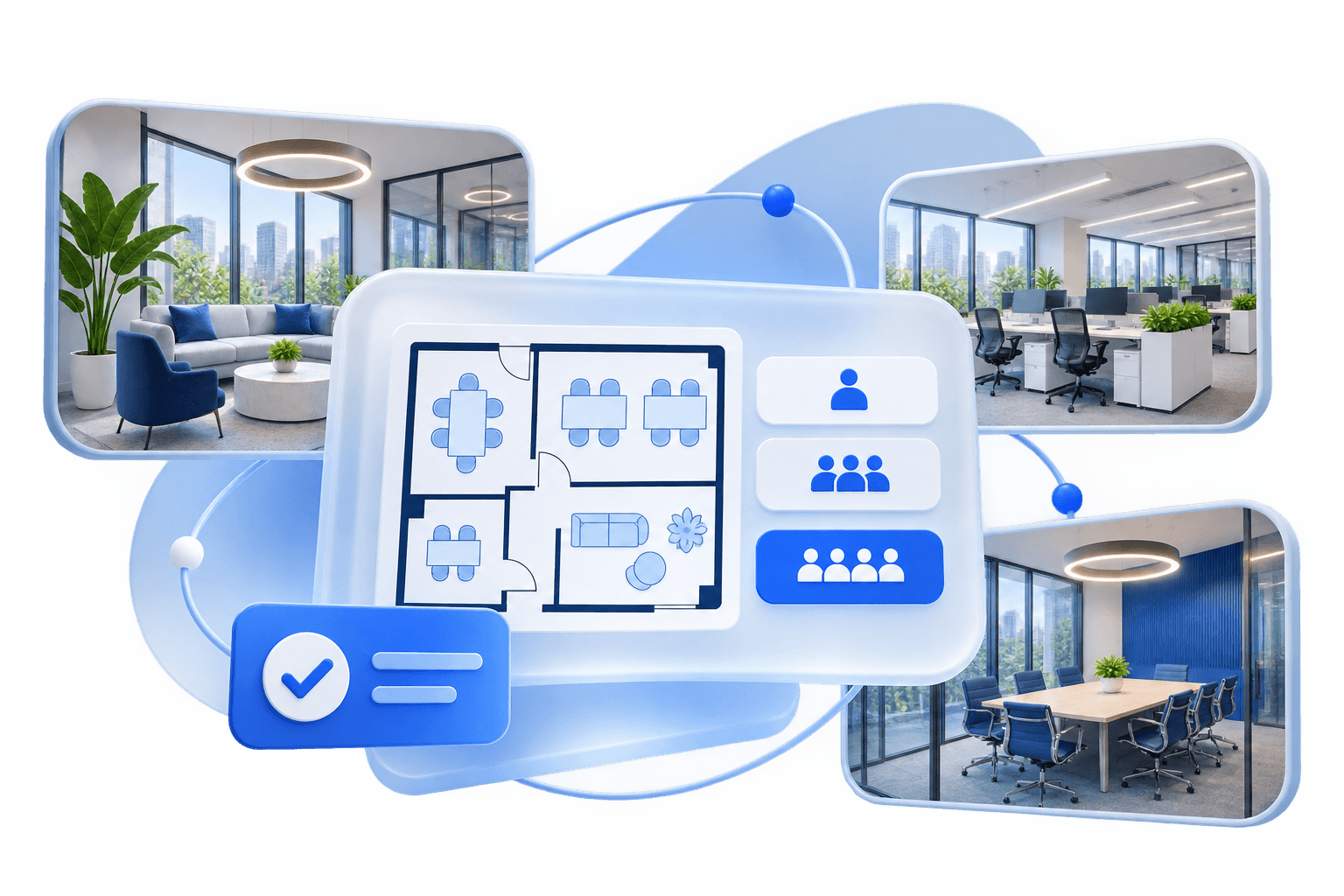
There is no single “hybrid office”. Choose a workspace around how the organisation operates rather than forcing the working pattern into a product label.
- A regular private office may still suit a team that attends together several days a week.
- A smaller core base can work alongside regional Coworking or Meeting Rooms for distributed employees.
- Larger collaboration or training space can be booked when teams need to come together without being maintained permanently.
- Each enquiry remains associated with one primary workspace product even when the wider strategy uses several products over time.

PLAN THE PATTERN
Plan around attendance, purpose and location
Hybrid planning works best when capacity, work activity and commute are considered together. Use the busiest normal days and the work people actually come in to do, rather than relying on payroll headcount or average attendance alone.
Start with the busiest normal day
- Use total headcount as context, but base capacity on the busiest regular attendance pattern rather than a weekly average.
- Identify which teams overlap, how predictable those peaks are and whether visitors, contractors or clients add demand.
- Separate roles that need dedicated workstations from desks that can be shared.
- Allow for policy or headcount change so the workspace does not only work for today’s attendance pattern.

Design for what people come in to do
- Collaboration may need meeting rooms, project areas, breakout space and enough capacity on common office days.
- Focused work needs quieter settings, acoustic separation and reliable connectivity away from busy shared zones.
- Calls and video meetings may require phone booths, small rooms and suitable meeting-room technology.
- Client work, training and social connection can change reception, room, event and shared-area requirements.

Make selective attendance practical
- Map where employees travel from rather than choosing a postcode first, then compare relevant public transport, road, cycle and parking access.
- Consider client access, recruitment catchment and future hires as well as the current team.
- Compare nearby districts when they materially improve commute, cost or workspace quality without weakening the brief.
- For distributed teams, decide whether one core office is enough or regional workspace has a genuine role.

WORKSPACE OPTIONS
Use different products for different needs
A core office does not have to solve every hybrid requirement. Use each workspace product for a clear role, and keep individual enquiries associated with the relevant primary product.
Serviced Offices
A ready-to-use private core office with flexibility around term, location and capacity.
Managed Offices
A more tailored private environment where layout, branding, facilities or operations need greater control.
Coworking Spaces
Flexible desk access for distributed employees, occasional users or people without a permanent private office.
Meeting Rooms
Additional collaboration, client, training or leadership space without maintaining every room permanently.
Virtual Offices
A professional business presence in a location where permanent workspace is not required.

YOUR BRIEF
Build the brief around the real operating pattern
Record the factors that materially change which workspaces will function well for the team.
People & attendance
Capture headcount, peak attendance, dedicated-desk roles, team overlap and expected growth.
Location & access
Define preferred areas, commute patterns, client access and any distributed workspace requirement.
Work settings
Specify desks, offices, meeting rooms, phone booths, focus areas, collaboration zones and key amenities.
Privacy & inclusion
Record confidential-space, restricted-area, visitor and accessibility requirements for provider confirmation.
Technology
Set out internet, dedicated connectivity, video, mobile reception and specialist technical needs.
Commercial & change
Include budget, preferred term, start date, notice flexibility and likely expansion or contraction.
CAPACITY & COST
Plan for peak days without over-sizing
Use capacity as a starting point, then test whether the actual workplace can handle peak-day activity, changing demand and the complete operating cost.
- Do not rely on a universal desk-sharing ratio; two teams with similar attendance can need very different work settings.
- Use realistic peak attendance, separate fixed workstation needs from shared desks and test meeting, call and collaboration capacity on busy days.
- Use attendance or booking data alongside team feedback and room demand so utilisation figures do not hide a poor workplace experience.
- Compare the complete operating model: core office, Meeting Rooms, Coworking or regional access, connectivity, parking, storage and applicable fit-out or moving costs.
- Review expansion, contraction, notice and renewal flexibility before committing, rather than only after the requirement changes.

Describe the hybrid requirement in your own words
Use the existing Traditional / AI Search when several parts of the brief are easier to describe together than to translate into individual filters. OfficesList can use supported criteria directly while keeping additional context with the enquiry for the workspace provider.
Example AI Search brief: “We have 55 employees, but peak attendance is usually 30–35. We need a central Manchester office with three meeting rooms, several phone booths, showers, bicycle storage and 24-hour access. Most people travel by rail, and we want enough flexibility to add around eight people over the next year.”
If the business genuinely needs several independent workplaces, treat that as a multi-site requirement rather than simply listing several alternative areas for one office. A main base, regional coworking access and smaller offices can form part of the wider strategy, but individual enquiries remain product-specific.
SERVICED OFFICE
Build a private Serviced Office selection
When the core hybrid requirement is a Serviced Office, a Tailored Report can turn preferred locations and requirements into a private selection of relevant options.
- Use the report to support internal review and filtering while keeping the underlying curated selection intact.
- Add several viewing selections from one place when comparing relevant Serviced Office options.
- Tailored Reports are currently available for Serviced Offices only; they do not combine every OfficesList product.
- Availability, final pricing and specialist requirements still need confirmation from the relevant workspace provider.

NEXT STEPS
Related OfficesList resources
Use these planning guides and related solutions when the main workplace question shifts from hybrid attendance to sizing, cost, several locations, growth or a temporary requirement.
- How Much Office Space Do I Need?Use the detailed sizing framework when capacity planning is the main question.
- Office Space CostsCompare the full workplace cost rather than desk price alone.
- Scaling & RightsizingUse when attendance or headcount change makes the amount of space the primary decision.
- Multi-site BusinessesUse when the business needs several independent workplace locations rather than alternatives for one office.
- New Office & ExpansionUse when the team is opening a new location or adding workspace as the business grows.
- Project & Temporary WorkspaceUse when the requirement is tied to a project, temporary team or defined short-term need.
Frequently asked questions
Practical answers to common questions about planning and comparing flexible workspaces for a hybrid team.